
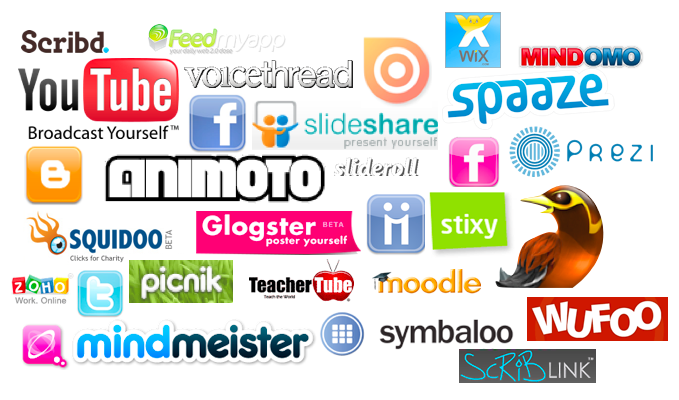
Web 2.0 is described as a set of tools that allow users to interact with others (COFAonlineUNSW, 2011). There are four main types of web 2.0 tools: presentation, video, mobile, and community (Module seven, n.d.). Each type of tool contains many benefits when utilized. Some benefits in utilizing web 2.0 tools include: empowering students to take charge of their learning, administer more formative assessments, and connect with your personal learning network, which can be formed on any kind of social media site (Module seven, n.d.). In the picture above, many examples of web 2.0 tools are written. I have experience in using most of the tools listed, but there are also many thousands more available! In this post, I will describe how I use web 2.0 tools in the K-12 classroom.

Below is an example of an Animoto I made in order to introduce students to a unit on immigration. Anitmoto is a cloud-based video tool that allows users to include pictures, videos, and music in slideshows. It can be used by students as a type of assessment or by teachers to teach or introduce new concepts.

One of the tools I use frequently in 3rd grade is Class Dojo. This tool is used for classroom behavior management, and can be considered a community tool. To use Class Dojo, you set up a class and have the ability to award points for particular categories, which you can decide (Mims, 2013). Students earn rewards when they exhibit particular behaviors, such as being respectful, helping others, demonstrating leadership, or working toward achieving their personal learning goal. Once students reach a set amount of points, they can redeem them for an award. Awards are things like special seating, lunch buddy, PJ day, teach the class, or special share. Class Dojo helps teachers track data in behavior over time, and even allows teachers to print out reports of behaviors to send home to parents (Mims, 2013). Lastly, Class Dojo saves teachers valuable time by creating a simple positive reinforcement classroom management system (Mims, 2013).

Another favorite tool of mine is Splash Math, a mobile tool. According to Windman (2012), Splash Math is, "a set of comprehensive math apps that align to Common Core standards" (p.16). Students can choose the topic and level to allow for more differentiated and personalized instruction. The app is available for grades K-5 and is tailored to developmental needs. For example, grades 1-3 use an aquarium theme with colorful visual aids, while the grade 4-5 app uses a space theme (Windman, 2012). I use Splash Math to supplement our units on basic math facts in multiplication, division, addition, and subtraction, as well as for practicing concepts related to geometry and fractions.

VoiceThread is another great tool for education. VoiceThread is a video and presentation tool that allows students to think critically, research, locate, and explore (Learn NC, n.d.). It is described as a visual learning tool for creating multimedia slideshows. I use VoiceThread to record students' personal narrative writing assignments. Students illustrate portions of their narratives and use them as their beginning, middle, and end. Students then use the VoiceThread app to photograph their illustrations, and use the microphone to record themselves reading their stories out loud. Classmates then view and comment on each others' stories to promote peer-to-peer learning.
COFAonlineUNSW (2011, Feb 16). Teaching with web 2.0 technologies: Twitter, wikis & blogs- case study. YouTube. Retrieved from https://www.youtube.com/watch?v=V5tSSgBJq2s
Learn NC (n.d.). Technology integration. Retrieved from http://www.learnnc.org/lp/pages/6673
Mims, L. (2013, Jun 13). Classroom behavior? There's an app for that. Edutopia. Retrieved from http://www.edutopia.org/blog/classroom-behavior-classdojo-app-lisa-mims
Module seven: Emerging web 2.0 tools (n.d.). Retrived from bb.snhu.edu
Windman, V. (2012). SPLASH MATH GRADES 1-5. Tech & Learning, 33(3), 16.


Michelle, I love the idea of using VoiceThread for oral reading of their personal stories! I heard about Class Dojo this summer at an edcamp and someone suggested using it for tracking assignment completion rather than behavior. I have been looking for a way to gamify my digital literacy class (rewarding points for completing projects) and I think this might be the perfect tool for that.
ReplyDeleteSplash math is also an iPad app.
ReplyDelete